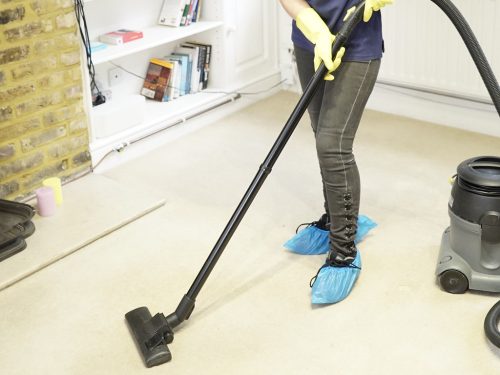
The Right Way to Clean Window and Electronic Screens
Methods of Effective Way To Clean Screens
To clean screens effectively, start by gathering tools: soft brush, vacuum, microfiber cloth, and compressed air. Remove screens from windows and vacuum both sides. Mix mild soap and water, scrub screens gently, then air dry. Maintain clean screens for better air quality and window function.
Use distilled water and vinegar for a deeper clean. Regular cleaning prevents build-up. Avoid harsh chemicals and ensure screens dry fully before reinstalling. Clean screens create a healthier living space. Take care of your screens for optimal results and a fresh environment.
Main Points
- Use soft-bristled brush or handheld vacuum to remove debris.
- Clean with microfiber cloth and mild solution, air dry before reinstalling.
- Avoid harsh chemicals to prevent screen damage.
- Maintain screens regularly to prevent build-up.
- Ensure screens are completely dry before reinstallation.
Common Screen Cleaning Mistakes to Avoid
One of the biggest mistakes people make when cleaning screens is using harsh chemicals like bleach, ammonia, or glass cleaners. These products can damage protective coatings on TVs, laptops, phones, and tablets, leading to discoloration or permanent marks over time.
Another common issue is spraying liquid directly onto the screen. Excess moisture can seep into the edges of the device and damage internal components. Instead, lightly dampen a microfiber cloth before wiping the surface.
Using paper towels, tissues, or rough cloths can also scratch delicate screens. Always use a clean microfiber cloth designed for electronics.
Many people also press too hard while cleaning stubborn smudges. Excess pressure can damage pixels or create screen distortion. Gentle circular motions work best.
Finally, avoid cleaning screens while devices are turned on or still warm. A cool, powered-off screen is safer and easier to clean without leaving streaks.
Importance of Screen Cleaning
To enhance your indoor air quality and maintain the integrity of your windows, regular cleaning of window screens is essential. Neglecting this task can lead to poor indoor air quality, causing respiratory health issues. Dirty screens act as dusty filters, spreading contaminants throughout your home.
By cleaning your window screens regularly, you can reduce coughing, sneezing, sinus problems, and other health issues. Additionally, clean window screens contribute to a healthier living environment for you, your family, and your pets.
Don’t underestimate the impact of clean window screens on your overall well-being. Make it a habit to include window screen cleaning in your regular home maintenance routine to keep your indoor air fresh and your windows in top shape.
Recommended Cleaning Tools
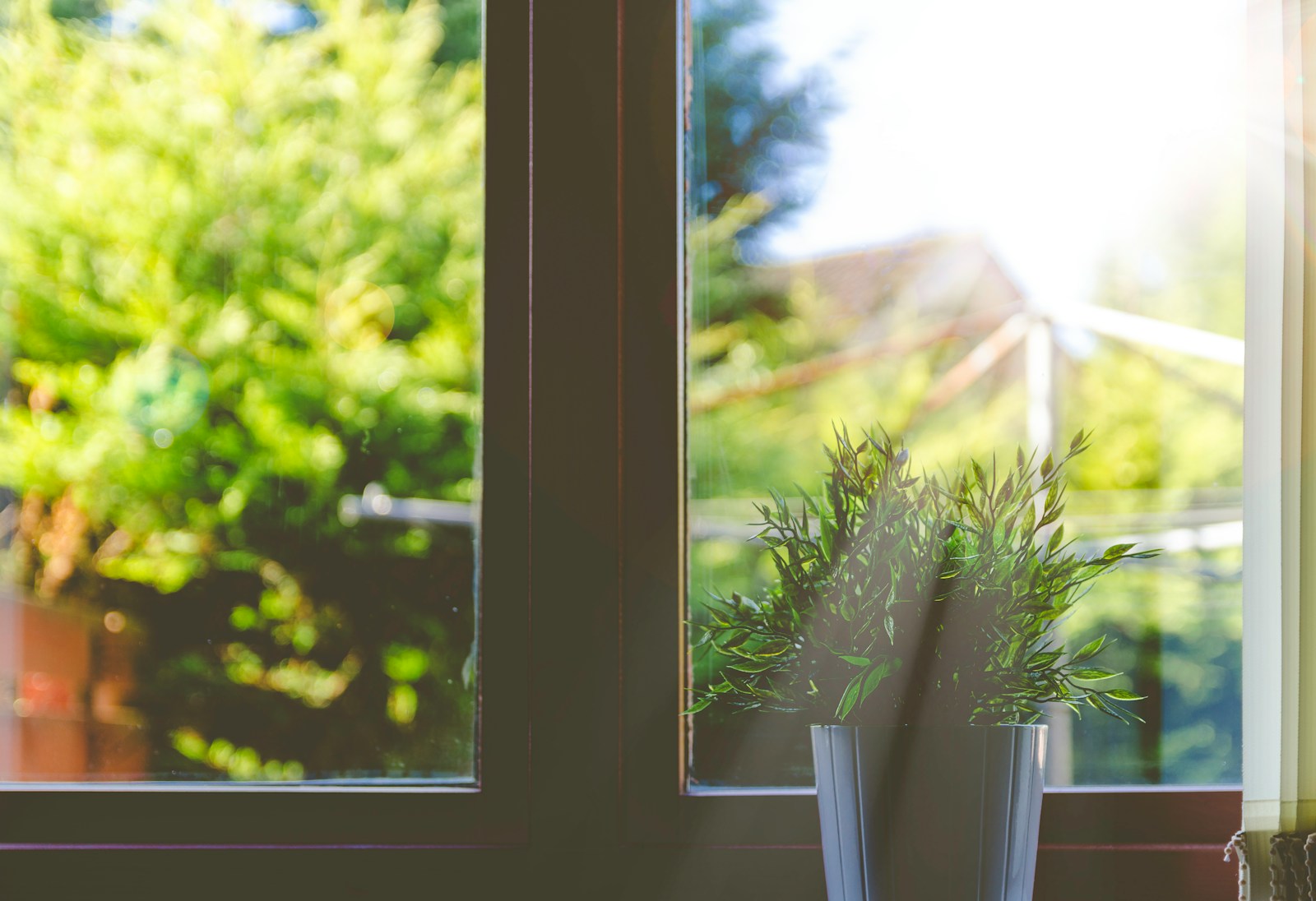
Regularly cleaning your window screens not only contributes to better indoor air quality but also requires the use of specific cleaning tools for optimal results. To effectively clean your screens, consider using a soft-bristled brush to gently remove debris and dust.
A handheld vacuum with a brush attachment can be handy for quick cleaning of smaller screens. For more thorough cleaning, a microfiber cloth dampened with a mild cleaning solution can help remove stubborn dirt and grime.
Additionally, a can of compressed air can be useful for blowing out hard-to-reach dust particles. Having these essential tools on hand will ensure that your window screens are kept clean and your indoor air quality remains at its best.
Step-by-Step Cleaning Instructions

Start by gathering all the necessary cleaning tools and supplies for efficiently cleaning your window screens.
- Remove the screens from the windows.
- Vacuum both sides of the screens to eliminate dust and debris.
- Mix a solution of mild soap and water.
- Use a soft brush or cloth to scrub the screens gently.
- Rinse the screens with clean water and let them air dry before reinstalling.
Frequency of Screen Cleaning
Consider the factors influencing stencil cleaning frequency to determine the optimal maintenance schedule for your equipment. The smallest size of stencil aperture, type of paste, cleaning method, solvent, wiper paper, assembly complexity, stencil thickness, solder paste, and equipment capabilities all play a role.
There’s no industry standard for cleaning intervals, so clean when results deviate. Cleaning frequency varies based on components and aperture clogs. Factors like setup accuracy, humidity, and room temperature affect frequency.
Address excessive HASL deposits near apertures promptly. Viscosity of old paste and sheared paste impacts cleaning requirements. Conduct capability studies, monitor solder paste time, adjust blade angle, consider nano-coating, and evaluate stencil material.
Prevent paste drying to maintain stencil effectiveness, especially in small apertures.
How to Clean TV, Laptop, and Phone Screens Safely
Different screens require gentle cleaning techniques to avoid scratches and damage. Before cleaning any electronic screen, turn off the device and unplug it if possible. This helps you see dust and fingerprints more clearly while reducing the risk of electrical damage.
Use a dry microfiber cloth to remove loose dust first. For fingerprints or smudges, lightly dampen the cloth with distilled water or a screen-safe cleaner. Never spray liquid directly onto the screen.
Wipe the screen gently in circular motions without applying pressure. Pay special attention to corners and edges where dust often builds up.
For keyboards, ports, and tight spaces, compressed air can help remove debris safely. Avoid abrasive cloths, paper towels, or strong chemicals that may damage anti-glare coatings.
Regular cleaning not only improves screen clarity but also helps extend the lifespan of your electronics.
Tips for Maintaining Clean Screens

To maintain clean screens effectively, utilize a 50-50 mixture of distilled water and white vinegar for gentle and efficient cleaning. It’s essential to keep your screens free from dirt and smudges to ensure optimal visibility and performance.
Here are some tips for maintaining clean screens:
- Clean screens regularly to prevent build-up.
- Avoid using harsh chemicals that can damage the screen.
- Use a microfiber cloth for gentle cleaning.
- Adjust cleaning frequency based on screen usage.
- Allow the screen to dry completely before use.
Frequently Asked Questions
Can Using the Wrong Cleaning Products Damage My Screens?
Using the wrong cleaning products can damage your screens. Stick to safe options like microfiber cloths and screen-specific cleaners. Avoid harsh chemicals that may harm delicate screen coatings. Prioritize screen longevity.
Are There Any DIY Screen Cleaning Solutions That Are Effective?
When cleaning screens, mix water and vinegar for an effective DIY solution. Use a microfiber cloth to gently wipe screens in circular motions. Avoid harsh chemicals or abrasive materials. Regular cleaning maintains screen clarity and extends screen life.
How Do I Prevent Streaks and Smudges When Cleaning My Screens?
To prevent streaks and smudges when cleaning screens, use a microfiber cloth lightly dampened with water or screen cleaner. Wipe gently in circular motions. Avoid using excessive liquid. Dry with a clean, dry microfiber cloth for a sparkling finish.
Is It Necessary to Power off My Devices Before Cleaning the Screens?
Before cleaning screens, power off devices to prevent damage. Use a soft cloth and gentle cleaner. Wipe in circular motions. Avoid excess moisture. Finish by buffing with a dry cloth. Regular maintenance ensures screen clarity.
Can Frequent Screen Cleaning Extend the Lifespan of My Electronic Devices?
Frequent screen cleaning can extend your electronic devices’ lifespan. Dust and dirt can damage screens over time. Use a microfiber cloth and gentle cleaner. Avoid harsh chemicals. Regular maintenance is key to device longevity.